
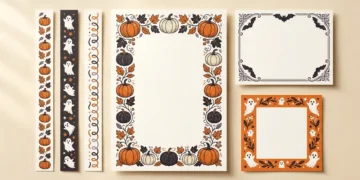



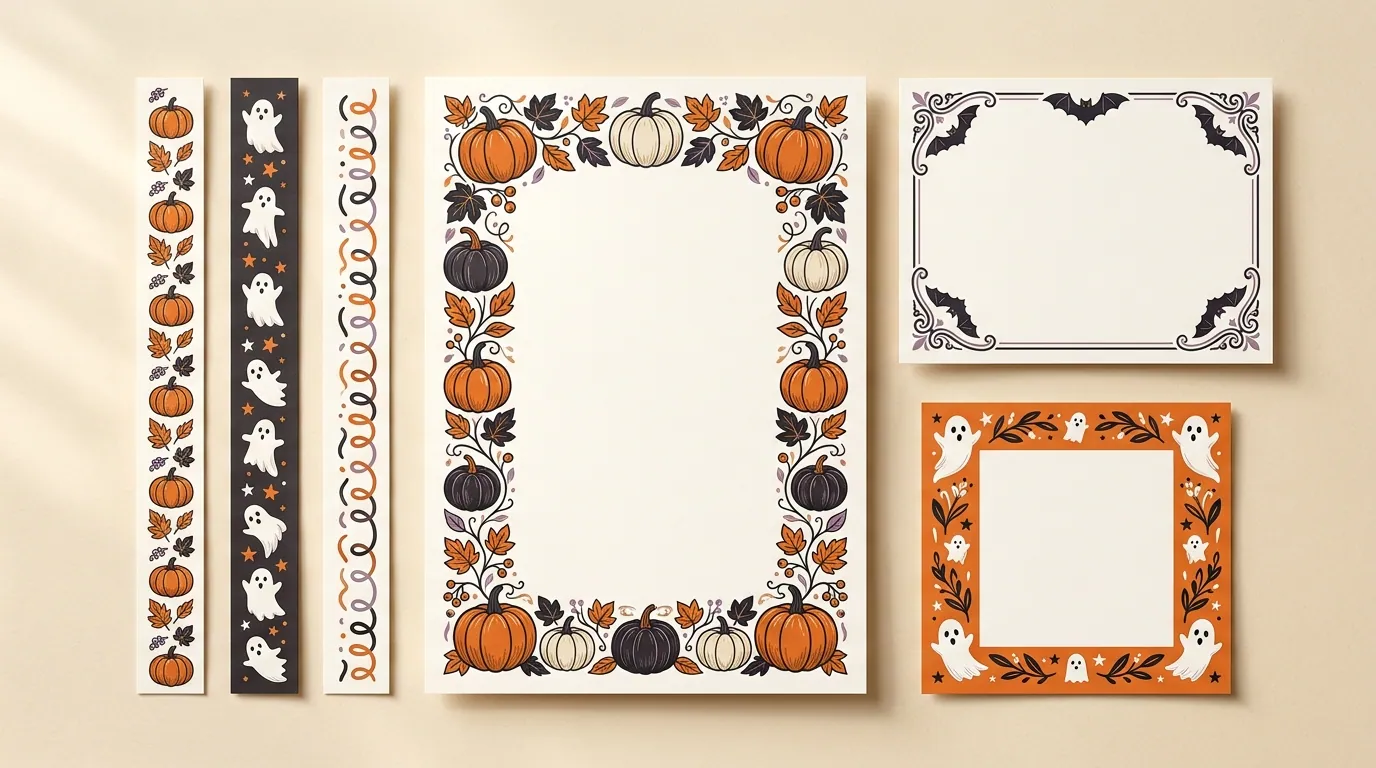
A Halloween border should frame your message without getting in its way. Before you choose pumpkins, ghosts, or spiderwebs, decide where the border will go: a printed page, an invitation, a digital image, or a physical display.
For a ready-to-print page, start with a printable PDF. For a frame placed over a photo or colored background, choose a PNG with actual transparency. For a bulletin board, use measured paper trim or DIY strips. Then check the size, orientation, and use permissions before downloading or buying.
The right design leaves enough room for your words and works with the tools you have.
Direct answer:
Use a printable PDF for a prepared page, a transparent PNG for a photo frame, and measured paper trim for a bulletin board. Check dimensions and use permissions before choosing.
Choose a Halloween Border for Your Project
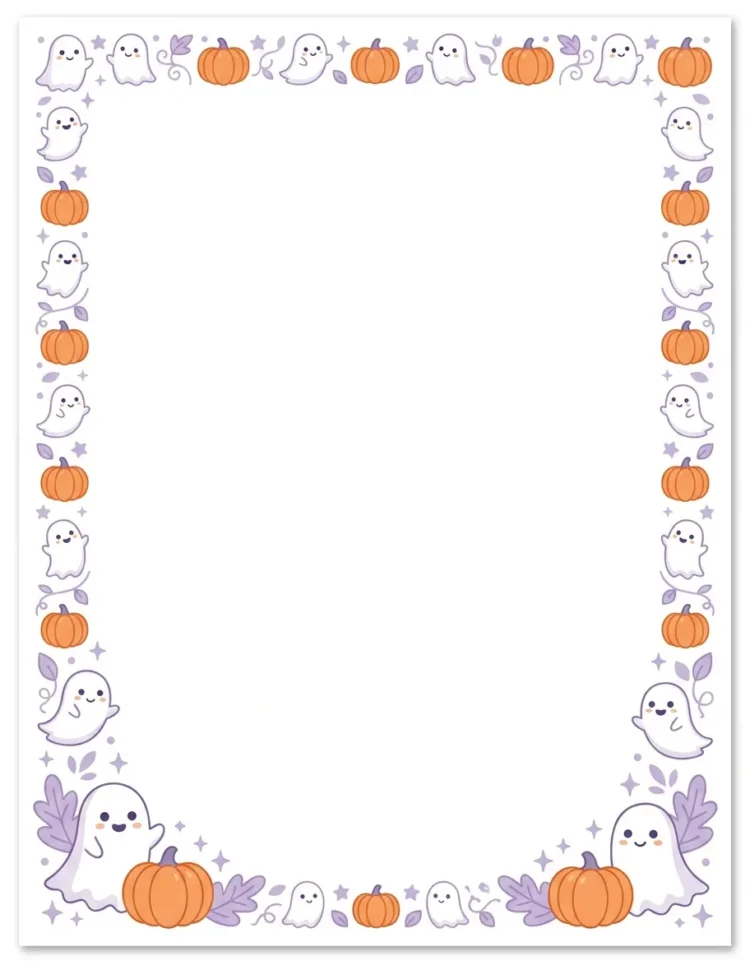
Start with the finished item you want to make. A decorative frame can look lovely in a preview but leave too little space for an event address, a menu, or a classroom notice.
| Your project | Useful starting option | Check before using it |
| Letter, list, or handout | Printable PDF page | Paper size and writing space |
| Invitation with editable wording | Border image in a document or design app | Whether you can add your own text |
| Photo or digital graphic | Transparent PNG frame | Clear center and suitable image dimensions |
| Wide sign or calendar | Landscape border | Layout that fits without stretching |
| Bulletin board or door display | Physical trim or paper strips | Total length, width, and material |
A printable page is not always an editable template. You may be able to print it immediately but need another program to add typed words.
For an invitation, draft the wording first. Include the details you need, then choose a border that gives them enough space. This helps you avoid shrinking important text just to fit an oversized pumpkin.
Halloween Border Design Ideas for Different Styles
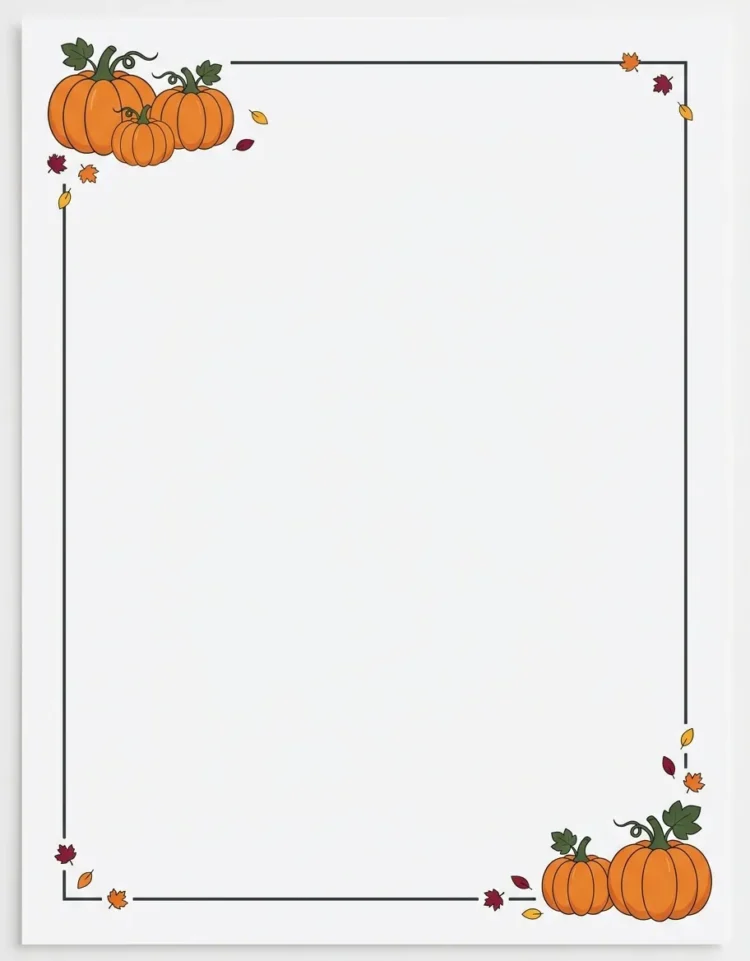
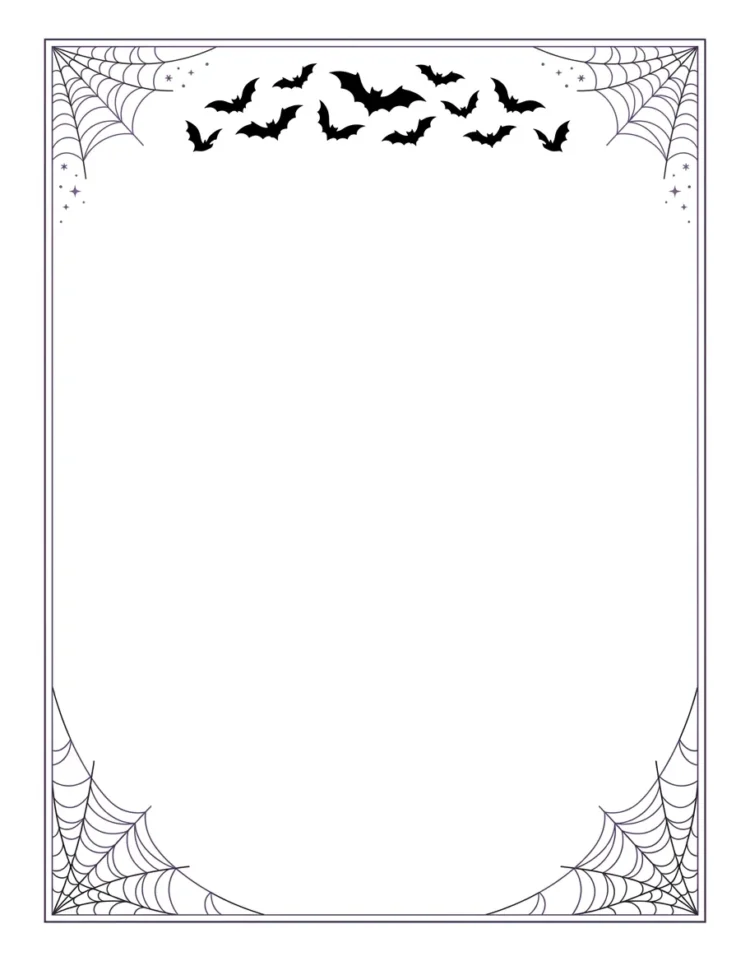


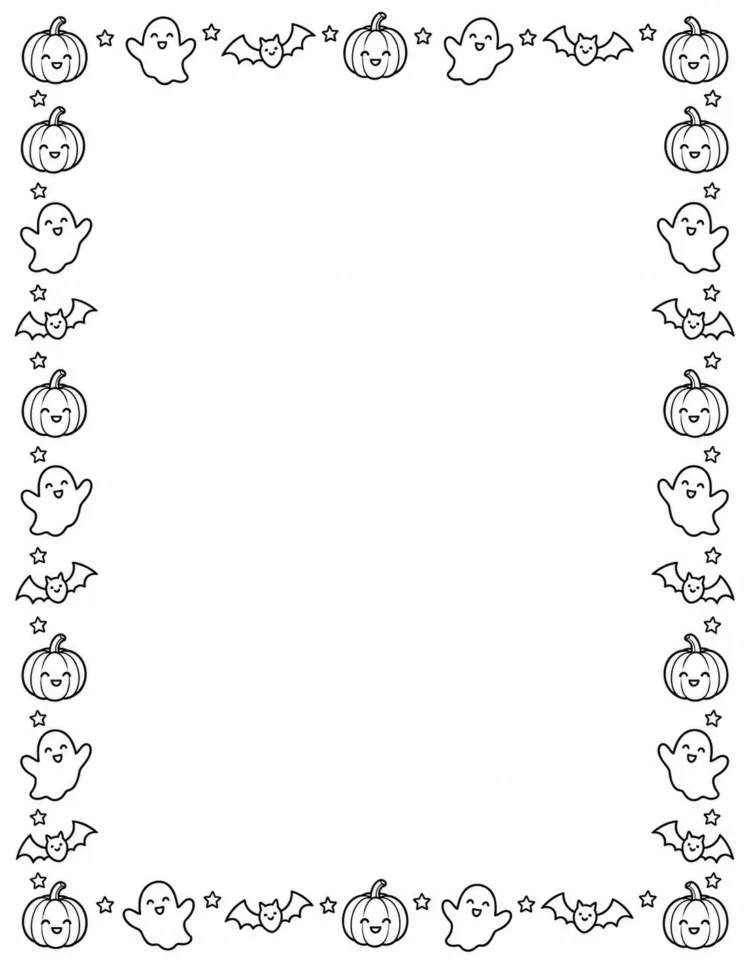
Choose a mood that suits the message. A party invitation can carry more decoration than a detailed schedule. These ideas are starting points you can adapt, rather than fixed rules.
Cute ghosts and rounded pumpkins. Small smiling ghosts, soft colors, and rounded shapes create a playful frame. Try placing them along the bottom or in opposite corners. That leaves the center open for a headline and event details. Cute Halloween borders can suit adult projects too; the overall layout matters more than an age label.
Pumpkin corners with simple lines. Put a pumpkin group in two corners and connect them with a thin border. This gives a letter or menu a seasonal look without filling every edge. For example, an orange corner detail with plain black text can keep a neighborhood notice easy to read.
Bats and spiderwebs. Use a few bats across the top and webs in the corners for a spooky design. Keep web lines away from small print. If a bat overlaps a heading, move the decoration or choose another frame instead of making the heading harder to read.
Candy and candy-corn patterns. A repeating candy border works as a cheerful frame for a treat-table sign or party announcement. Keep the pattern narrow when the page needs several lines of text. Repeating shapes are useful, but a thick band on every side can make a small invitation feel crowded.
Gothic frames and black-and-white designs. Try dark branches, pointed arches, or a fine black frame for a more restrained mood. Keep decorative lettering to a short heading. For the main message, use a plain font. If you want a black-and-white border, choose artwork designed that way rather than assuming every color image will print clearly in gray.
PDF, PNG, and Clipart: Choose the Right File
File names tell you how a border may work, but they do not tell you everything about the design.
A PDF is a document format. A printable PDF can give you a prepared page layout, but it does not necessarily contain editable text boxes.
A PNG is an image made from pixels, the small dots that form a digital picture. PNG supports transparent areas, so it can work well as a frame over another image. However, a PNG can also have a solid white center. The file extension alone does not prove transparency. Adobe explains PNG files and their transparency support.
To check a downloaded frame, place it over a colored background in your editing app. Look at the center and corners. If a white rectangle covers the background, those areas are not transparent. A checkerboard shown in a preview is not enough; inspect the actual file.
Clipart describes ready-made artwork, not one file format. A Halloween border clipart download might contain PNG, JPG, or other files. Read the listing.
A vector uses shapes and paths rather than a fixed grid of pixels. You may need compatible design software to edit it.
Before buying a bundle, confirm that your app accepts the included formats. Extra files are useful only if you can open them. For example, Microsoft says EPS images can no longer be inserted into Office documents; choose a supported image format for Word instead.
Also check orientation. Portrait is taller than it is wide; landscape is wider than it is tall. Rotating a portrait frame can turn pumpkins sideways. Stretching it can change their shape. Look for a matching layout first.
Where to Find Halloween Borders—and What to Check
Use the resource page as your starting point. Read its instructions and permissions before saving a preview image or paying for a download.

Printabulls: useful for portrait and landscape choices. Its Halloween borders and frames collection describes 25 designs, each in two orientations, for US Letter paper. That means 50 layout versions, not 50 different designs. It is a useful place to look when a wide sign needs a matching landscape frame. Check applicable terms before using artwork for a business project.
Mom in Pajamas: printable page-border options. The Halloween border collection describes individual PDFs for 8.5-by-11-inch paper, including color and black-and-white designs. The page permits personal use and teacher use while restricting commercial use and file distribution. Check the available orientation for your chosen design. Individual downloads were not independently tested for this guide.
PageBorders.org: a clear free-versus-paid example. Its specific Halloween border listing offered a free watermarked version and a $1.99 USD premium version when checked October 20, 2026. The premium download includes several formats, including PNG and PDF. This is one listing price, not a market average or a verified checkout total.
The permissions matter as much as the price. That listing requires the free version’s watermark to remain visible. Its premium terms allow certain free business materials and internal uses, but prohibit charging for works created with the border and redistributing the files. Paying does not automatically give you permission to sell invitations made from it.
Before choosing any resource, check:
- The actual file formats and dimensions.
- Whether the file has a watermark.
- Whether your intended use is allowed.
- Whether attribution is required.
- Whether printing supplies, shipping, or other costs apply.
A free file can still require paper and ink. A paid file can still have strict use limits.
How to Add a Halloween Border in Microsoft Word
There are two different routes: use Word’s built-in page-border feature, or insert a downloaded border as a picture. Choose the route that matches your file and Word version.
Use Word’s Built-In Page Border
In supported desktop versions of Word:
- Open your document and go to Design → Page Borders.
- Choose the available border settings. Look under Art if you want to explore built-in graphics.
- Use Options to adjust the border’s distance from the page edge.
- Check the preview and apply the border.
Available artwork may not include the exact Halloween design you want. Also, page borders work by section. Adding one to a single page in the middle of a document requires section setup. Follow Microsoft’s page-border instructions for your version. Word for the web has limitations, so these desktop controls should not be assumed to appear there.
Insert a Downloaded Border Image
For a one-page project in Word for Windows, start with a suitable PNG or JPG. If it arrived in a ZIP archive, extract the files first.
- Select Insert → Pictures → This Device, choose the image, and insert it.
- Resize from a corner handle, keeping the design’s proportions.
- Select the picture’s layout options and choose Behind Text.
- Position the frame, then keep your wording inside its clear center.
Microsoft documents picture insertion and text wrapping and positioning. If you cannot select a picture behind text, use the Selection Pane. Check the finished layout in print preview.
A border image is still a picture; inserting it does not make its artwork editable. Keep your working document so you can adjust the wording later.
How to Print a Halloween Border Without Cutting It Off
Check the file’s page size before printing. US Letter is 8.5 by 11 inches; a download designed for another paper size may need adjustment.
In Adobe Acrobat’s desktop print dialog, Fit scales the page to the selected paper’s printable area. Actual size prints without scaling, so parts that do not fit can be cropped. These options solve different needs; neither is automatically right for every border. See Adobe’s print-scaling guidance.
Use this check before printing a whole set:
- Match the paper and orientation. Confirm the loaded paper size and whether the design is portrait or landscape.
- Read the preview. Look at all four edges, especially corner graphics.
- Choose suitable scaling. For a decorative page where exact dimensions are not essential, fitting the printable area may help preserve the full frame.
- Print one sheet. Check the border, text, colors, and spacing.
- Change one setting if needed. Review the next preview before trying again.
A narrow white edge does not necessarily mean the file is broken. Your printer may have limits on how close it can print to the paper’s edge. Check its manual before selecting borderless printing; do not assume that feature is supported.
If the full border remains visible but becomes slightly smaller, decide whether that result suits your project. For an invitation that must fit a particular envelope, check the finished dimensions too.
If several small invitations share one sheet, check each invitation’s border and cutting space in the finished layout. A full-page frame will not automatically become a separate frame around every invitation. Make one complete invitation at the intended size before arranging multiple copies.
Use paper your printer supports. Check its instructions before loading cardstock or another thicker material.
Make or Buy a Border for a Bulletin Board
A physical Halloween border needs a different check: enough material to go around the display.
Measure the outside edges you plan to cover. For a rectangle, add the width and height, then multiply by two.
For example, imagine a board 4 feet wide and 3 feet high. Its perimeter is 2 × (4 + 3), or 14 feet. That is the straight-edge total before corner overlaps, pattern matching, or cutting mistakes. Allow extra based on how you plan to join the pieces; there is no single allowance that fits every design.
For a ready-made example, Carson Dellosa’s Halloween/Holiday trim contains 12 paper strips, each 3 feet long and 3 inches wide, totaling 36 feet. It has different seasonal designs on its two sides. Two-sided printing does not double the material length.
The listing showed a $1.50 USD sale price, reduced from $6.99, on October 20, 2026. Shipping and final tax treatment were not verified. Check the current checkout total before comparing it with a printable or DIY option.
Check the trim’s width as well as its length. A wide strip can cover part of a small display. Hold a sample against the edge before attaching the full border, and decide whether the strip will sit inside the board, outside it, or partly across the edge.
For a simple DIY alternative:
- Cut supported craft paper into strips of a consistent width.
- Draw or attach repeated pumpkin, bat, or ghost shapes.
- Arrange the strips flat and plan the corner joins.
- Check your board’s rules and the attachment product’s surface instructions before fixing the pieces.
- Step back and check that the border does not cover the display’s message.
This is an untested project suggestion. Use supplies you can handle comfortably. Store-bought trim reduces drawing and cutting; DIY strips give you more control over color and width.
Fix Common Halloween Border Problems
When something looks wrong, check the file or layout before buying another design.
A white box covers your photo. The frame may contain a solid background. Test the actual file over a contrasting color. If you need transparency, look for a suitable transparent version rather than assuming that renaming the file will change it.
The border looks blurry when enlarged. Check whether you downloaded a small preview instead of the intended file. A pixel-based image has limited detail; making it bigger can reduce its apparent sharpness. Adobe’s PNG resizing guidance notes that enlargement can affect quality. Try a larger original, a smaller placement, or a compatible vector option.
Pumpkins look wide and flat. The frame may have been stretched. Restore its proportions and use an orientation that matches your page.
The words feel squeezed. Remove unnecessary wording, choose a narrower frame, or switch to corner decorations. Do not make an address or important instruction difficult to read just to preserve the artwork.
A downloaded border will not open as a Word document. Check its format. Extract an archive first, then insert a supported image into Word. A picture file is not a ready-made Word template.
Frequently Asked Questions
Can I copy and paste a Halloween border into an email?
You may be able to paste an image if your email editor supports it, but check the draft before sending. Size and placement can change between apps.
A short line of Halloween symbols is text decoration, not a full graphic frame. Keep the event details readable on their own, and send yourself a sample if the layout matters.
Can I use a Halloween border around a profile picture?
Yes, if the artwork’s terms allow your use and you can combine it with your photo in a suitable editor. Check the platform’s current image requirements before exporting.
For example, preview a circular crop if that is how the profile image will appear. Keep important border details within the visible area and leave enough room for the subject.
Can I print the border first and add text later?
A second printing pass may work, but check your printer’s instructions for refeeding already printed paper. This guide has not tested that process.
Use one sample sheet to check the feed direction and text position before making copies. If your software allows it, combining the border and wording before printing avoids a separate alignment step.
Can paper Halloween borders be used outdoors?
Do not assume indoor paper trim is suitable for rain, wind, or damp conditions. Check the product’s intended use and any outdoor instructions.
For an outdoor display, choose materials and attachments approved for that setting. A paper border placed behind a window may be a more suitable option when you only need the design visible from outside.
Start With One Finished Sample
Choose the border that fits your project, then make one complete sample. Check the wording, permissions, size, and final appearance before printing copies or attaching a full display.
A simple frame with clear text often serves the project better than a crowded design. Let the border support the message you want people to notice.
Disclaimer:
Prices, download availability, software features, and usage permissions can change; listed prices were checked on October 20, 2026. Check the provider’s current terms and your software or printer instructions before buying, editing, or printing.